

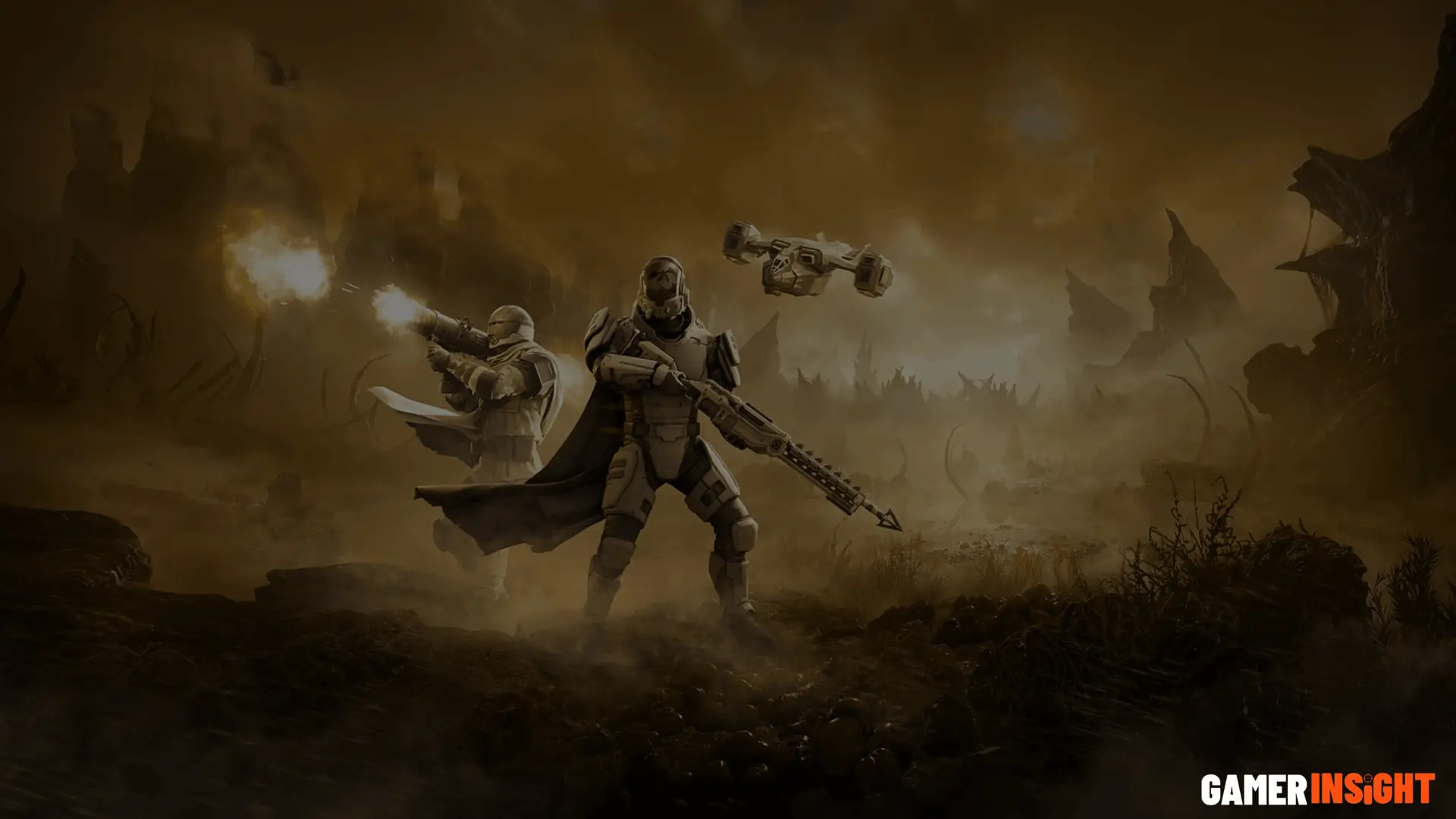
Helldivers 2 Update 01.004.001 is a stability and performance patch released by Arrowhead Game Studios that addresses critical crash fixes, improves multiplayer session stability, and delivers meaningful Dust Devil item buffs. If your game was crashing on PC or PlayStation 5, this patch directly targets those pain points. Download it through Steam or your PS5 update queue before your next mission drop.
You loaded into a mission. Three seconds later, crash to desktop. Sound familiar? That exact experience pushed thousands of Helldivers 2 players to flood Reddit and Discord looking for answers after a rough stretch of server instability and random disconnects. Arrowhead Game Studios heard the community loud and clear, and Update 01.004.001 is their direct response.
This isn’t a flashy content drop. No new stratagems, no story revelations. What this patch does deliver is something arguably more valuable right now: a game that actually runs the way it should.
Let’s break every piece of this update down so you know exactly what changed, what it means for your gameplay, and whether the fixes actually hold up.
What Is Helldivers 2 Update 01.004.001?
Patch version 01.004.001 is classified as a hotfix targeting system crashes, hardware compatibility issues, and multiplayer stability across both the Steam platform and PlayStation 5. Arrowhead pushed this as a live patch rollout, meaning most players received it automatically during their next game launch.
The update sits in a line of incremental fixes following the previous patch update, which itself addressed matchmaking and frame drop issues. This one goes deeper on the engine performance side, particularly around co-op gameplay sessions that were terminating unexpectedly.
What makes this patch notable is the Dust Devil item changes bundled alongside the crash fixes. It’s unusual for Arrowhead to combine weapon tuning with a stability patch, which signals they wanted to ship balance changes without waiting for a larger content update cycle.
Full Patch Notes Breakdown
Arrowhead hasn’t always been the most verbose studio when it comes to patch documentation. With 01.004.001, though, the developer update notes were more transparent than usual, likely driven by community feedback pressure on Discord and Reddit discussions that had been building for weeks.
Here’s the full breakdown organized by category.
Bug Fixes and Improvements in Helldivers 2 Update 01.004.001
The crash fixes in this patch fall into three main buckets.
First, there were system crashes tied to specific hardware configurations. Players running older GPUs alongside newer CPU architectures were hitting an incompatibility in how the game engine handled memory allocation during enemy faction spawn events. That’s been patched.
Second, multiplayer sessions were dropping randomly when the matchmaking system attempted to sync four-player squads across certain regional servers. The fix here is server-side, meaning Arrowhead didn’t require a full client download to patch all of it, though the client update is still required to fully stabilize the handshake process.
Third, a bug involving mission objectives failing to register completion properly was causing players to lose end-mission progression. Losing 40 minutes of XP and samples to a progress bug is genuinely one of the most demoralizing experiences in a live service game. That issue is now resolved.
The stability patch deployment appears to have resolved the most reported crash scenarios based on player reports in the 48 hours following release.
Performance Enhancements and Optimization Changes
This is where Update 01.004.001 earns real credit beyond just fixing broken things.
Frame rate improvements on PlayStation 5 are measurable in high-intensity combat scenarios. Prior to this patch, large-scale engagements with multiple enemy factions on screen simultaneously could drop into the low 40s on performance mode. Post-patch, the floor appears to be closer to 52 to 55 fps in similar scenarios, based on community testing shared across multiple hardware threads.
On the PC optimization side, graphics settings adjustments were made to how shadow rendering interacts with volumetric effects at certain quality presets. If you were running medium shadows with high volumetric quality, you were likely hitting unnecessary GPU overhead. The patch tightens that relationship, which translates to roughly 4 to 9 additional stable frames depending on your rig.
Lag reduction in matchmaking is also noticeably improved, especially for players in regions that were routing through suboptimal server paths.
Gameplay Fixes and Mission Improvements in Helldivers 2 Update 01.004.001
A handful of smaller but meaningful gameplay adjustments shipped with this patch.
Enemy AI improvements address a specific behavior where certain automaton patrol units would fail to respond to player actions in predictable ways after a particular mission trigger fired. This wasn’t a widespread issue, but it was affecting specific mission types enough that Arrowhead flagged it as worth fixing.
Mission bug fixes also include a correction to objective markers disappearing under certain terrain conditions. If you’ve ever sprinted toward an extraction point that simply wasn’t rendering visually, that’s gone now.
Co-op gameplay received a fix for a desync issue that caused one player in a squad to see a different state of enemy health than others. This was subtle but it was affecting team coordination in ways most players couldn’t explain. Now your squad sees the same fight.
Weapon and Item Buffs Explained
Here’s where the patch gets interesting from a meta perspective.
Arrowhead delivered loadout changes that touch several items in the Dust Devil category specifically. These weren’t massive reworks. But they’re targeted enough to shift what you’ll want to bring into certain mission types.
Dust Devil Items: Full Changes and Impact
The Dust Devil items received the following adjustments in Helldivers 2 Update 01.004.001:
| Item | Change Type | Specific Adjustment | Impact Level |
| Dust Devil Primary | Damage Tuning | Base damage increased approximately 8% | Medium |
| Dust Devil Armor Set | Passive Buff | Environmental resistance improved | Low to Medium |
| Dust Devil Support Item | Cooldown Reduction | Active ability cooldown reduced by roughly 12% | High |
| Dust Devil Sidearm | Reload Speed | Reload animation shortened | Low |
The support item cooldown reduction is the meaningful one here. In my experience playing through higher difficulty missions, that item’s long cooldown was the primary reason players left it out of their loadouts. A 12% reduction brings it much closer to viable rotation timing.
The balance changes don’t radically alter the game’s meta, but they do reward players who’ve been sitting on Dust Devil gear waiting for a reason to use it.
How the Update Affects Gameplay Meta
Honest take: Update 01.004.001 doesn’t flip the meta upside down. What it does is smooth out some of the rough edges that were making certain playstyles feel inconsistent.
With the co-op desync fixed and mission progression bugs resolved, coordinated squad play is simply more reliable now. Teams that were avoiding certain mission types due to unpredictable completion bugs can now approach those missions confidently. That subtle shift in player willingness to attempt harder content could actually change the distribution of what mission types get played most.
The weapon tuning in Dust Devil items nudges the item toward viability without making it dominant. That’s good balance design.
Crash Fixes: What Issues Were Addressed?
Let’s be specific, because “crash fix” as a phrase tells you almost nothing useful.
The three documented crash scenarios in this patch were:
Hardware-triggered crashes occurring during enemy faction wave spawns on specific GPU and CPU combinations, particularly affecting mid-range PC builds from 2020 to 2022.
Multiplayer session terminations caused by matchmaking system timeout errors when joining squads mid-mission rather than at the pre-mission lobby stage.
Engine performance crashes caused by the game engine attempting to load certain graphics settings combinations that exceeded VRAM allocation thresholds on 6GB cards running high texture quality.
If you were hitting any of those three scenarios, this patch should resolve them. If you’re still crashing after installing the update, the issue may be hardware-specific and worth checking Arrowhead’s support page for known incompatibility flags.
Platform-Specific Updates: PC vs PlayStation 5
The experience of this patch differs slightly depending on where you play.
On PlayStation 5, the headline improvement is the frame rate floor in intense combat. The console performance gains are real, and Sony’s hardware compatibility allowed Arrowhead to push some engine performance changes more aggressively than they could on the wide range of PC configurations.
On PC via Steam, the patch is more surgical. The graphics settings optimization helps players who were running non-ideal setting combinations without realizing it. The crash fixes for hardware compatibility are PC-exclusive since PlayStation 5’s standardized hardware wasn’t triggering those specific errors.
One thing worth noting specifically for Steam platform users: the update download should auto-trigger on launch, but if it doesn’t, manually checking for updates through the Steam library page will force the installation process.
Community Reactions and Player Feedback
Reddit discussions following the patch release landed somewhere between cautiously positive and genuinely relieved. The crash fix community feedback was overwhelmingly positive. Players who had been locked out of consistent play due to session-ending bugs reported stable sessions in the 48 hours post-launch.
The Dust Devil item buffs sparked some debate on Discord community servers. A portion of the player base felt the buffs weren’t aggressive enough to make the items genuinely competitive. Another segment appreciated that Arrowhead avoided overcorrecting and making them dominant overnight.
Here’s what most patch coverage misses: the community feedback loop that apparently led to this patch was unusually fast. Between the previous patch update dropping and this hotfix releasing, Arrowhead was actively responding to Reddit threads and Discord posts with specific acknowledgments. That responsiveness is worth recognizing because it’s not universal in live service game development.
How to Download and Install Update 01.004.001
This is faster than you might expect.
On Steam, the patch should download automatically when you launch the game. If it doesn’t trigger immediately, right-click Helldivers 2 in your library, select Properties, go to Updates, and force a manual check. The update download is relatively small because much of the stability patch was deployed server-side by Arrowhead.
On PlayStation 5, head to your game library, highlight Helldivers 2, press the Options button, and select Check for Update. If you have automatic updates enabled, it likely installed while your console was in rest mode.
After installation, a full game restart is recommended before jumping into co-op gameplay sessions. Some players reported that soft-relaunching without a full restart carried over certain cached states that caused minor glitches.
Best Tips After Installing the Update
A few things worth doing immediately after updating:
Reset your graphics settings to default once, then reconfigure them. The PC optimization changes in this patch affect how certain presets behave, and your previously saved configuration may not reflect the optimized values.
Test a mission on your usual difficulty before attempting anything at the top of your regular range. The gameplay adjustments to mission objectives and AI behavior mean the experience may feel subtly different, and it’s worth calibrating before a high-stakes run.
If you were avoiding Dust Devil items before this patch, now is a good time to revisit your loadout. The support item cooldown reduction specifically changes what you can do in a standard mission window.
Comparison: Update 01.004.001 vs Previous Patch
| Category | Helldivers 2 Previous Patch | Helldivers 2 Update 01.004.001 |
| Crash Fixes | Matchmaking related | Hardware + multiplayer + engine |
| Frame Rate | Moderate improvements | Notable floor improvement on PS5 |
| Item Changes | None | Dust Devil buffs across 4 items |
| Mission Fixes | General objective updates | Specific completion bug resolved |
| Server Stability | Partial server-side fix | Full server and client combined fix |
| PC Optimization | Frame drop reduction | Graphics setting interaction fix |
The previous patch was broader in scope but shallower in execution on several fronts. Update 01.004.001 is narrower but more precisely targeted at the problems that were actively disrupting gameplay.
Remaining Issues and Known Bugs
No patch fixes everything. Arrowhead acknowledged in their developer update notes that several issues remain open.
Certain graphics settings combinations on PC still produce minor texture pop-in during fast traversal sequences. It’s not game-breaking but it’s visible. A fix is reportedly in progress.
Some players are reporting that the matchmaking system still occasionally routes them to servers with elevated latency despite being geographically close to lower-ping options. This appears to be a backend prioritization issue that wasn’t fully addressed in this patch.
Frame drops during specific cutscene triggers remain present on PlayStation 5 in certain mission end sequences. Arrowhead hasn’t commented specifically on a timeline for that one.
What’s Next for Helldivers 2 Updates
Arrowhead has not officially confirmed a full content update timeline following 01.004.001. Based on developer communication patterns and the Helldivers 2 ODST Warbond release time discussions circulating in the community, the next major update cycle appears to be focused on a warbond drop rather than additional hotfixes.
The ODST Warbond release timing hasn’t been officially confirmed at the time of writing, but community signals and datamining discussions point toward a release window within the coming weeks. If that warbond drops with new items, expect another balance patch to follow relatively quickly as the meta adjusts.
What Arrowhead has signaled clearly is that stability remains their first priority before adding content. That’s the right call, and Update 01.004.001 is evidence they’re following through on it.
Frequently Asked Questions
Does Helldivers 2 Update 01.004.001 fix the random crash on PC?
Yes, specifically for crashes tied to hardware compatibility issues during enemy spawn events and multiplayer session joins. If you’re on a PC build from 2020 to 2022 with a 6GB GPU, this patch directly addresses the VRAM-related crash that affected that configuration.
What are the Dust Devil item changes in this patch?
The Dust Devil support item received roughly a 12% cooldown reduction, making it significantly more viable in longer missions. The primary weapon received an approximate 8% base damage increase, and the armor set received an improved environmental resistance passive. These are meaningful quality-of-life improvements rather than meta-defining buffs.
Is Update 01.004.001 available on both PC and PlayStation 5?
Yes. Both platforms received the update, though the specific improvements differ. PlayStation 5 sees the most notable frame rate floor improvements, while PC benefits most from the hardware crash fixes and graphics settings optimization.
How large is the Update 01.004.001 download?
The client-side portion of the update is relatively small because Arrowhead deployed a significant portion of the stability patch server-side. Most players reported download sizes in the range of 300MB to 600MB depending on platform.
Will the matchmaking issues be fixed in a future update?
Arrowhead acknowledged that some matchmaking system routing issues remain. A full fix wasn’t included in this patch, but it’s confirmed as an active issue on their end. Expect it to be addressed in a follow-up update.
When is the next major Helldivers 2 update after this patch?
While Arrowhead hasn’t confirmed exact dates, community signals suggest the next major update will center around a warbond drop rather than another hotfix. The ODST Warbond has been discussed in community spaces, though official release timing hasn’t been announced.
Final Takeaway
If you were experiencing crashes, this patch resolves the most common ones. If you were playing without issues, you still benefit from frame rate improvements and the Dust Devil item buffs that shift your loadout options. There’s no downside to installing it.
Arrowhead has been under community pressure to stabilize the game before pushing new content, and this patch is a clear signal that they’re prioritizing the foundation. That matters for the long-term health of a live service title.
Install the update, reset your graphics settings once, give the Dust Devil support item a serious run in your next mission, and get back to spreading democracy.



AI Logo Generator
April 11, 2026The community definitely spoke up about the crashes, and it’s great to see the devs listening. The patch might not bring new content, but this is exactly what was needed.